
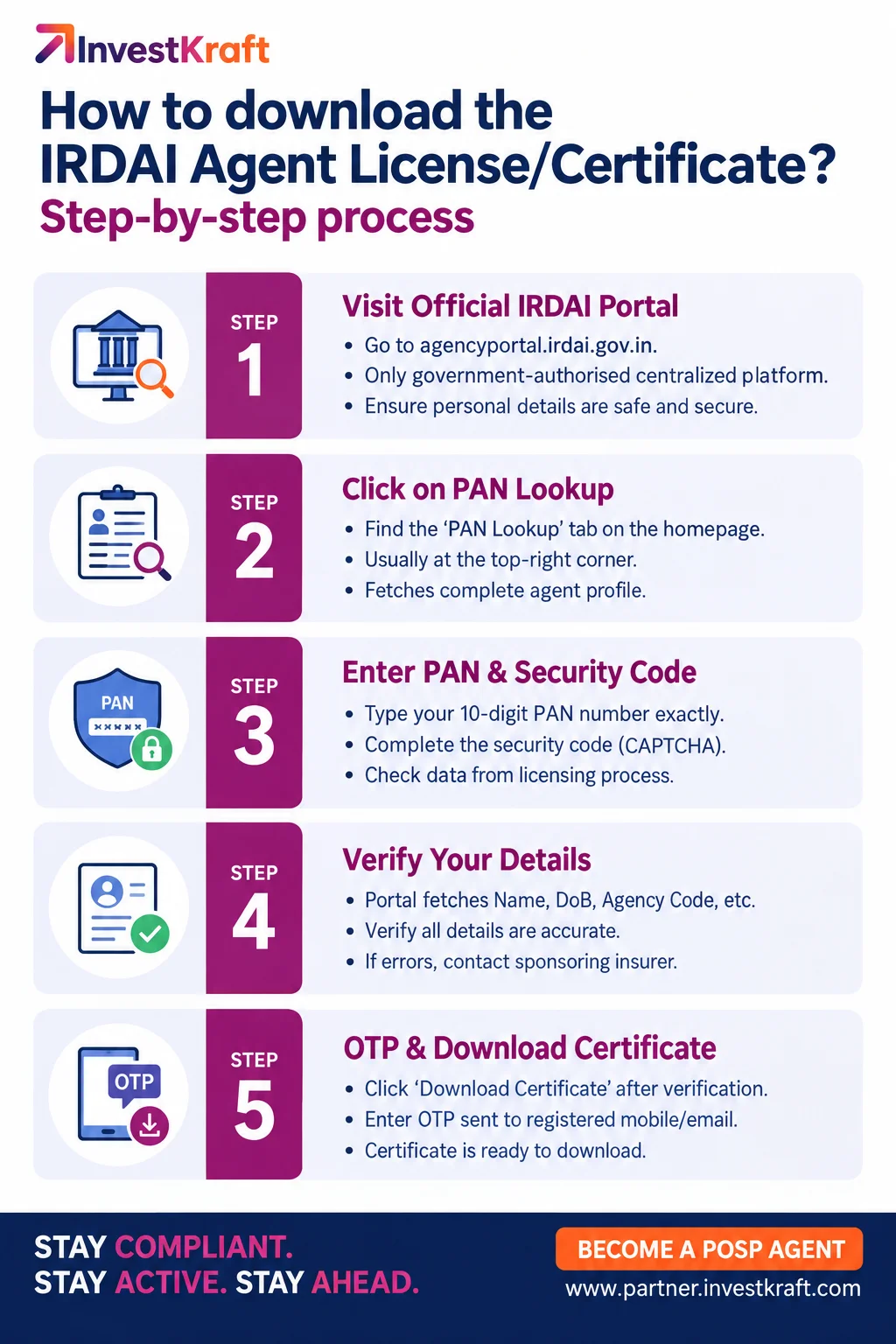
Learn how to download your IRDAI Agent Licence/Certificate online through the official IRDAI portal. Follow these simple steps to access your insurance agent certificate:
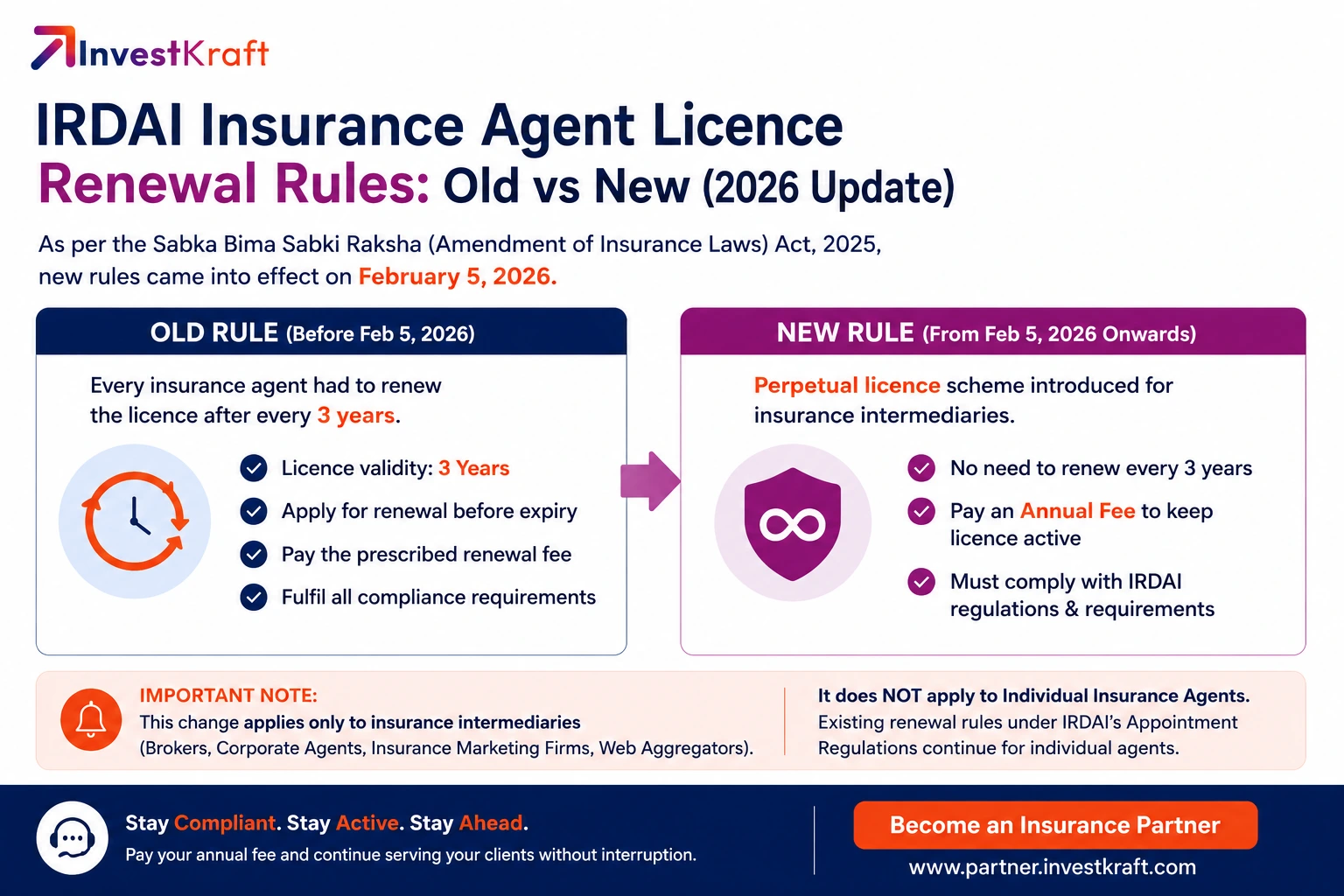
Note: Keep your agent licence accessible to verify your credentials and stay compliant with applicable IRDAI requirements.
Source: IRDAI – Official Website – Official insurance regulations, guidelines and circulars.
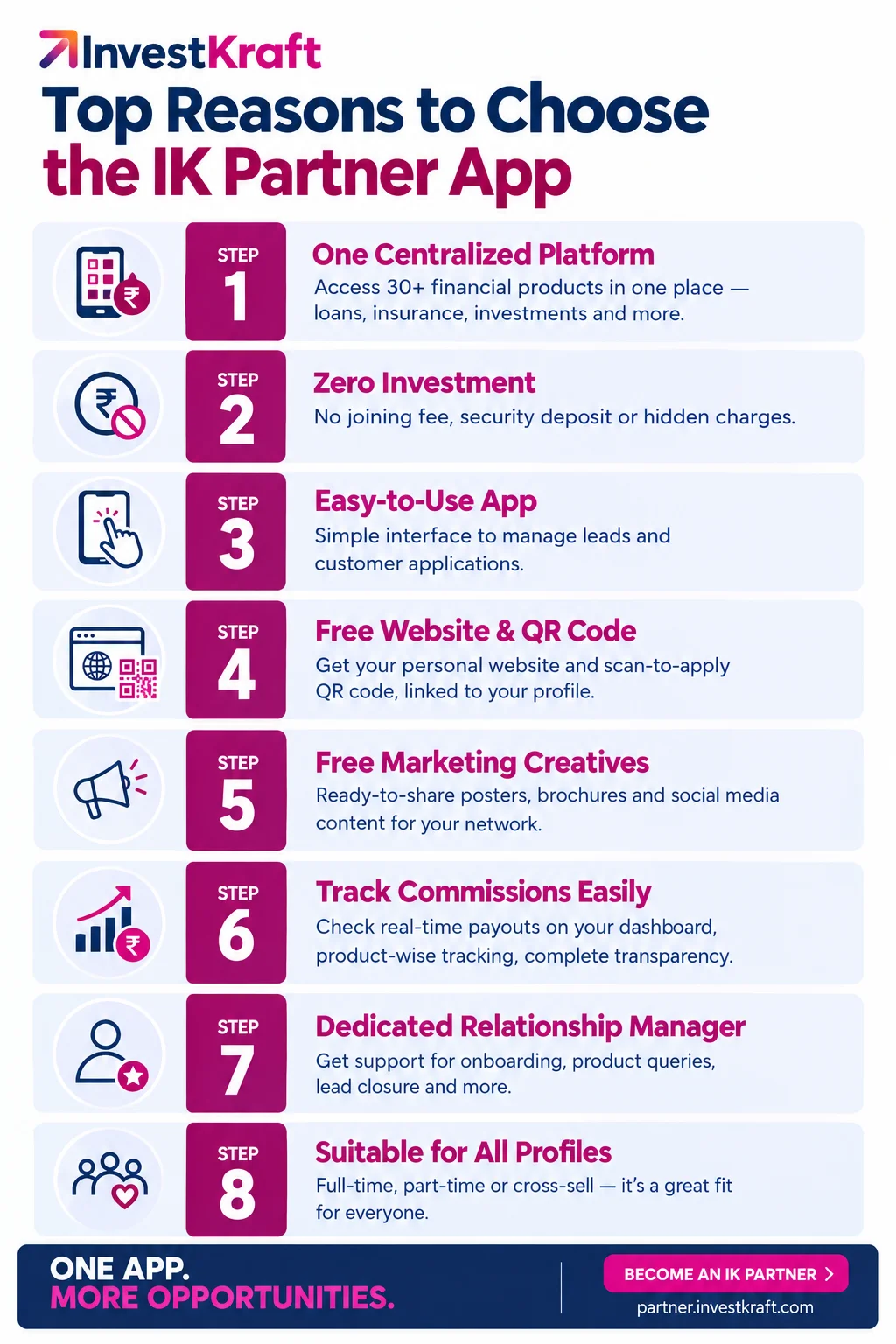
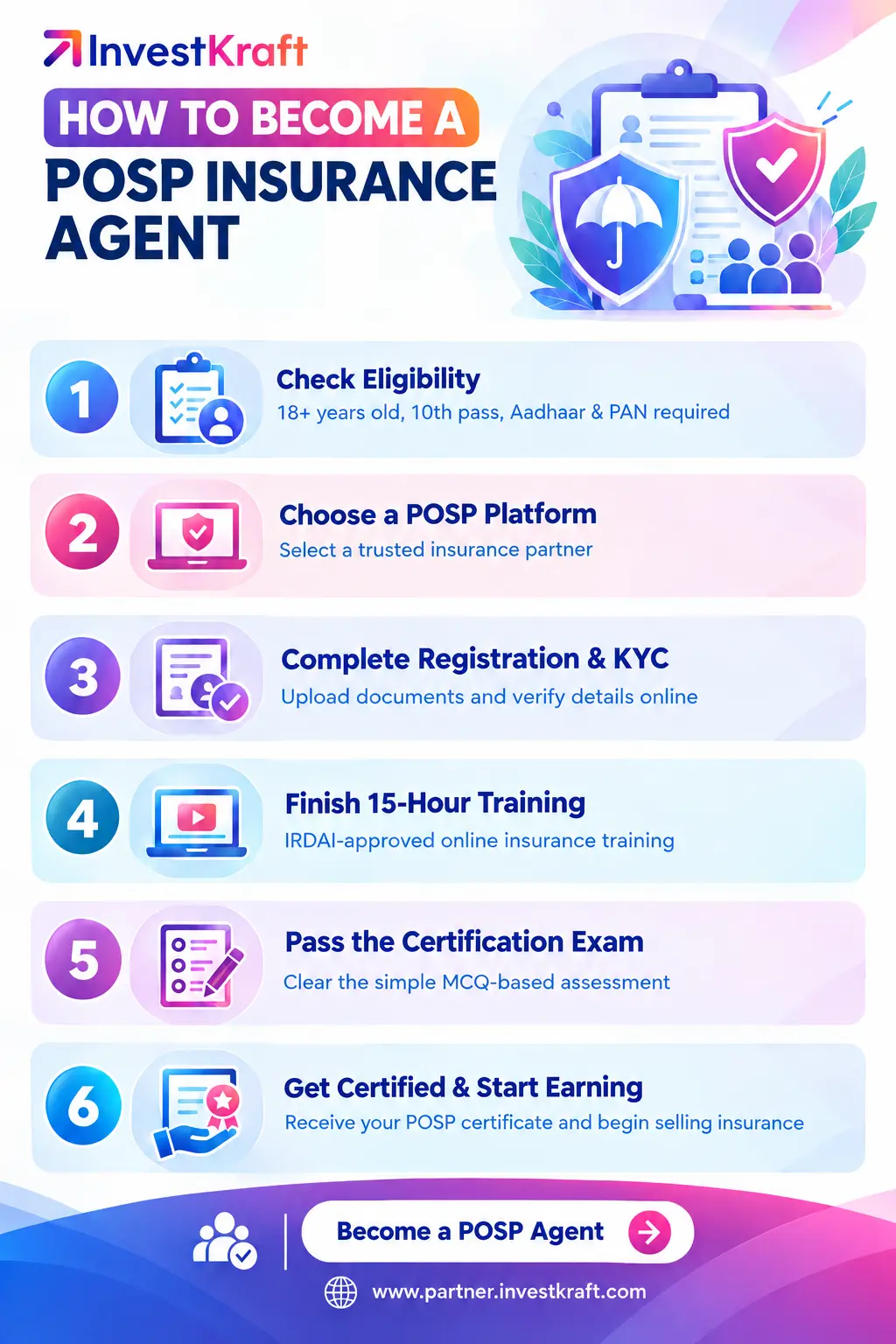
Become an IK Partner: Join InvestKraft and explore opportunities to build your financial services business with insurance, loans and other financial products.
Download the IK Partner App today to explore loan products, manage leads, track your earnings and grow your financial services business—all in one place!
Disclaimer: This content is intended for educational and informational purposes only. It should not be considered financial, investment or professional advice. Readers are advised to verify details from official sources and assess their requirements before making any financial decisions.